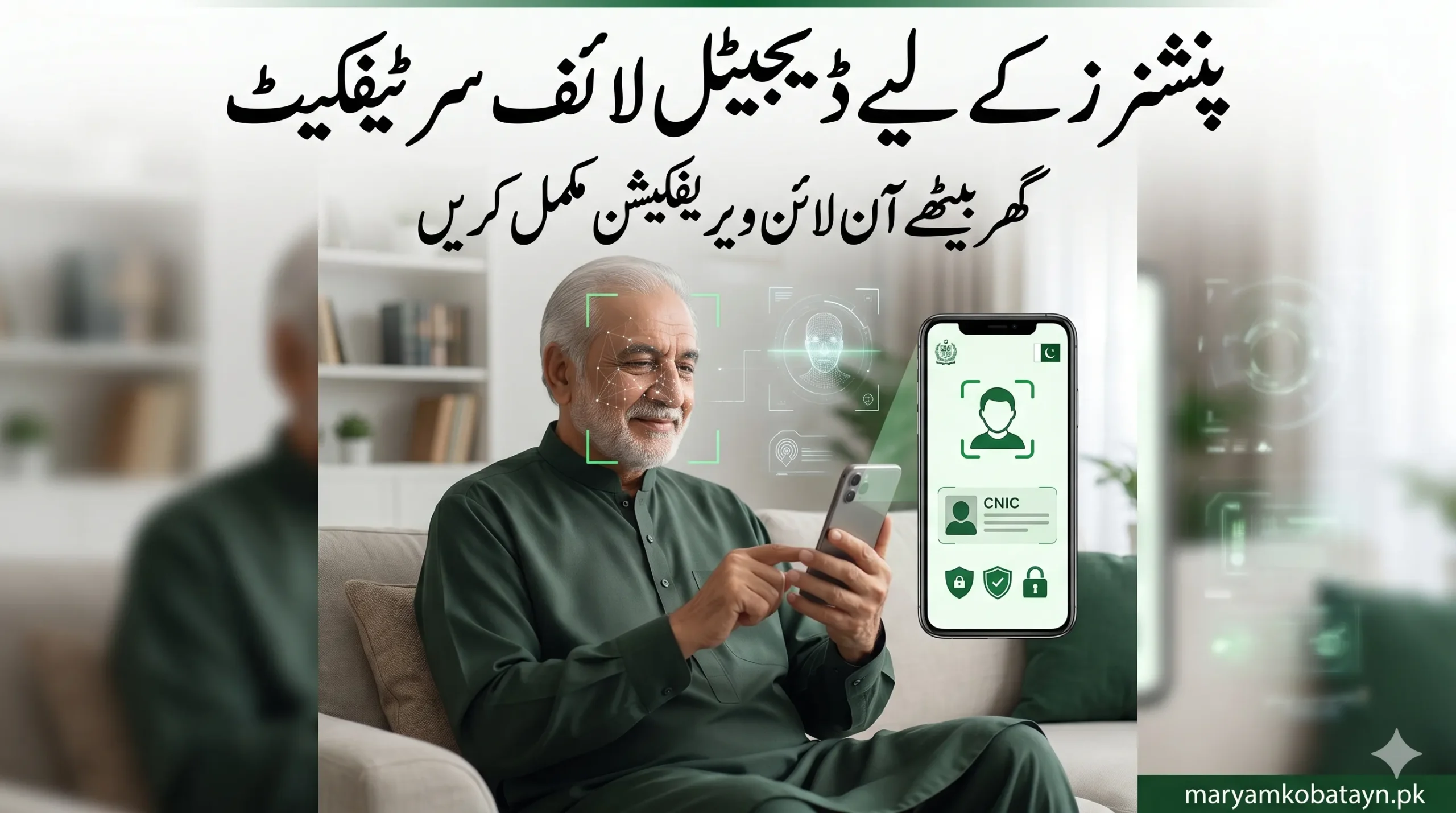
Digital Life Certificate for Pakistani Pensioners 2026: Complete Online Verification Guide
Learn how Pakistani pensioners can obtain a Digital Life Certificate online through NADRA and Pak Identity App. Complete step-by-step guide for biometric and face verification in 2026.
Digital Life Certificate for Pakistani Pensioners 2026 – Complete Step-by-Step Guide
The Government of Pakistan is modernizing the pension system through the introduction of the Digital Life Certificate system for pensioners. This initiative is designed to help retired government employees verify their identity digitally without repeatedly visiting banks or pension offices.
For elderly pensioners, especially those facing mobility issues or biometric fingerprint problems, the new digital verification process provides a much easier and faster solution.
In this detailed guide, you will learn:
- What a Digital Life Certificate is
- Why Pakistani pensioners need it
- How to obtain it online
- How facial recognition verification works
- Required documents
- Common problems and solutions
- NADRA and Pak Identity verification process
- Benefits of digital pension verification in Pakistan
What is a Digital Life Certificate for Pensioners?
A Digital Life Certificate is an electronic proof that confirms a pensioner is alive and eligible to continue receiving pension payments.
Traditionally, pensioners had to physically appear at banks or pension offices for annual or periodic verification. The digital system replaces manual verification with:
- Biometric authentication
- Facial recognition technology
- NADRA database verification
- Online identity confirmation
The system helps pensioners complete the “proof of life” process from home using a smartphone or by visiting nearby NADRA or bank service centers.
Why Pakistan Introduced Digital Pension Verification
Pakistan has over a million pensioners receiving pensions through banks and government departments. Many senior citizens faced serious issues during manual verification, including:
- Long waiting lines at banks
- Difficulty traveling
- Fingerprint mismatch due to old age
- Delays in pension payments
- Fraudulent pension claims
To solve these problems, the government introduced a digital pension verification system integrated with NADRA databases and modern facial recognition tools.
Main Benefits of Digital Life Certificate in Pakistan
1. No Need to Visit Banks Frequently
Pensioners can complete verification online from home.
2. Facial Recognition Support
If fingerprints fail, face verification can be used.
3. Faster Pension Processing
Digital verification reduces delays in pension disbursement.
4. Better Security
The system helps eliminate fake or fraudulent pension claims.
5. Easy for Overseas Pensioners
Pakistani pensioners living abroad may also benefit from remote digital verification.
Who Needs a Digital Life Certificate?
The system mainly applies to:
- Federal government pensioners
- Provincial government pensioners
- Retired civil servants
- Family pension beneficiaries
- Defense pensioners
- Widows receiving pension benefits
Documents Required for Digital Life Certificate
Before starting the online verification process, pensioners should keep the following information ready:
Required Documents
- Original CNIC
- Pension Payment Order (PPO)
- Pension account details
- Registered mobile number
- Smartphone with internet connection
- Front camera for face verification
Some pensioners may also require:
- Bank account information
- Pension book
- Family registration details
How to Get Digital Life Certificate Online in Pakistan
The government is using the Pak Identity App and NADRA-linked verification systems for online proof-of-life services.
Below is the complete step-by-step process.
Step 1 – Download the Pak Identity App
Pensioners first need to install the official Pak Identity application.
Official resources:
- https://id.nadra.gov.pk
- Pak Identity Mobile App Information
The application is available for:
- Android devices
- iPhones (iOS)
Step 2 – Create an Account
After installing the app:
- Open the application
- Register using:
- CNIC number
- Mobile number
- Email address
- Create a password
- Verify your mobile number using OTP
Once verified, the account becomes active.
Step 3 – Login to the App
Enter:
- CNIC number
- Password
After login, users can access available NADRA digital services.
Step 4 – Select Proof of Life / Pension Verification
Inside the application, pensioners need to choose the relevant pension verification or proof-of-life service.
This option may appear as:
- Proof of Life
- Pension Verification
- Digital Life Certificate
- Pensioner Authentication
Step 5 – Enter Pension Details
The system may ask for:
- PPO number
- Pension department
- Pension account number
- Bank information
Users should carefully verify all details before proceeding.
Step 6 – Complete Facial Recognition Verification
This is the most important step.
The app will request:
- Live face scan
- Camera access
- Head movement verification
The facial recognition system compares the live image with NADRA records.
Tips for Successful Face Verification
- Sit in proper lighting
- Remove sunglasses
- Keep camera steady
- Ensure internet connection is stable
- Avoid blurred camera images
Step 7 – Biometric Verification (If Required)
Some pensioners may additionally need:
- Thumb verification
- Fingerprint authentication
This may require:
- Biometric device
- NADRA center visit
- Bank branch verification
However, face authentication is gradually reducing dependence on fingerprints.
Step 8 – Submission of Digital Life Certificate
After successful verification:
- The Digital Life Certificate is generated
- Verification is sent to the relevant pension department
- Banks receive confirmation digitally
- Pension payments continue without interruption
Some users may receive:
- SMS confirmation
- Tracking number
- Digital acknowledgment receipt
How Pensioners Can Verify Status of Their Digital Life Certificate
Pensioners can usually check status through:
- Pak Identity App
- Pension department portal
- Concerned bank
- NADRA verification systems
Possible status updates include:
- Submitted
- Under Verification
- Approved
- Rejected
What to Do If Face Verification Fails
Many elderly users may face technical issues during facial recognition.
Common Reasons for Failure
- Poor lighting
- Weak internet
- Old phone camera
- Incorrect facial angle
- NADRA photo mismatch
Solutions
- Retry in daylight
- Use better internet connection
- Update NADRA photo if outdated
- Visit NADRA office
- Visit pension-paying bank
Where to Get Help for Digital Pension Verification
Pensioners can seek assistance from:
- NADRA registration centers
- Pension disbursement banks
- Government pension offices
- e-Sahulat centers
Official NADRA portal:
Can Overseas Pakistani Pensioners Use Digital Life Certificate?
Yes, the digital system is especially useful for overseas pensioners because it minimizes physical visits to Pakistan.
Depending on departmental policies, overseas users may complete:
- Face verification
- Online authentication
- Remote identity confirmation
This is expected to significantly simplify pension continuation for retired Pakistanis living abroad.
Common Problems Pensioners Face During Digital Verification
Fingerprint Mismatch
A very common issue among senior citizens due to aging.
Mobile Number Not Registered
Users may need to update their SIM ownership records.
Incorrect CNIC Information
Outdated NADRA records can cause verification failure.
App Compatibility Problems
Older smartphones may not fully support face recognition technology.
Security Features of Pakistan’s Digital Pension System
The digital life certificate system uses:
- NADRA identity database
- Facial recognition AI
- Encrypted authentication
- Secure pension verification channels
This helps reduce:
- Pension fraud
- Fake beneficiaries
- Duplicate claims
Future of Digital Pension Verification in Pakistan
Pakistan is moving toward a fully digital pension ecosystem. In coming years, experts expect:
- Complete online pension processing
- Mobile-based pension management
- AI-powered identity verification
- Faster pension approvals
- Integration with digital wallets and e-government systems
The Digital Life Certificate is one of the first major steps toward pension digitization in Pakistan.
Final Words
The Digital Life Certificate system is making life easier for Pakistani pensioners by introducing online identity verification through NADRA and facial recognition technology.
Instead of standing in long bank queues, pensioners can now complete proof-of-life verification digitally from home using the Pak Identity App and NADRA systems.
As Pakistan continues expanding digital governance services, this system is expected to become the standard method for pension verification across the country.
Frequently Asked Questions (FAQs)
What is a Digital Life Certificate in Pakistan?
It is an online proof-of-life verification system for pensioners that confirms they are alive and eligible for pension payments.
Is NADRA involved in pension verification?
Yes, NADRA supports biometric and facial verification for pensioners.
Can pensioners complete verification from home?
Yes, many pensioners can complete digital verification using the Pak Identity App and facial recognition.
What if fingerprints do not work?
Pensioners can use face verification or visit NADRA centers for assistance.
Is the Digital Life Certificate mandatory?
Government departments and banks are gradually adopting digital verification systems for pension continuation.
Which app is used for pension life certificate in Pakistan?
The Pak Identity App and NADRA-linked systems are commonly used for digital verification services.