BISP 8171 New Update: How to Fix SIM Linking Errors & Secure Your Kafaalat Payment
Important alert for BISP beneficiaries! Learn how to verify your SIM linking via the 8171 portal and what to do if your wallet number is incorrect. Avoid payment delays with this step-by-step guide.
BISP 8171 SIM Linking: Essential Guide to Fixing Wallet Registration Errors
The Benazir Income Support Program (BISP) has recently undergone a massive digital transformation. To ensure transparency and eliminate the “middleman” culture, the government has transitioned to a digital wallet system. However, this transition has brought some technical hurdles for the beneficiaries—specifically regarding SIM linking and Wallet registration.
If you are a BISP beneficiary who recently received a SIM card from the BISP Tehsil office, this guide is critical for you. Many women are facing issues where their numbers are either incorrectly linked or not linked at all, which could lead to a permanent stop in their monthly Kafaalat payments.
Why SIM Linking is Mandatory for BISP Payments
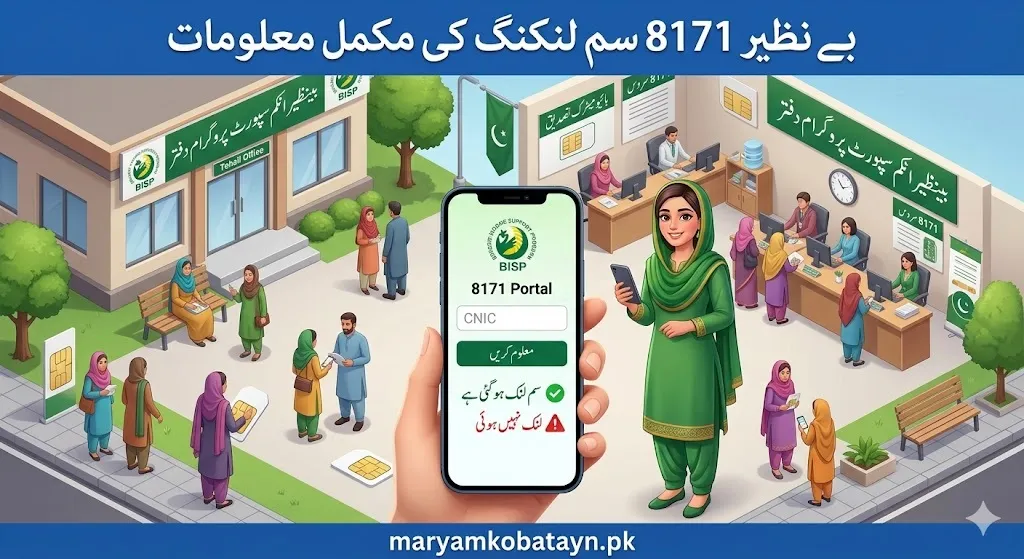
In the past, beneficiaries had to stand in long queues at campsites or retailers to receive their cash. This often led to deductions by corrupt agents. To solve this, BISP introduced the Mobile Wallet System.
Under this new mechanism:
- A dedicated SIM is issued to the beneficiary.
- The SIM is linked to their CNIC and BISP Profile.
- Funds are transferred directly to the mobile wallet.
- The beneficiary can withdraw money using a secure PIN at designated ATMs or BISP partner points.
The Problem: Many women received the physical SIM but didn’t wait for the digital “linking” process to complete at the office, or the staff entered the wrong mobile number in the records.
How to Check Your BISP SIM Linking Status via 8171 Portal
The 8171 Web Portal is the official tool for checking your eligibility and payment status. Follow these steps to verify if your SIM is correctly integrated:
Step-by-Step Verification Process
- Visit the Official Site: Open your browser and go to
8171.pass.gov.pk. - Enter CNIC: Type your 13-digit National Identity Card number without dashes.
- Enter Captcha: You will see a 4-digit code in an image; type that into the box.
- Check Result: Click on the “Find Out” (معلوم کریں) button.
Understanding Your Results
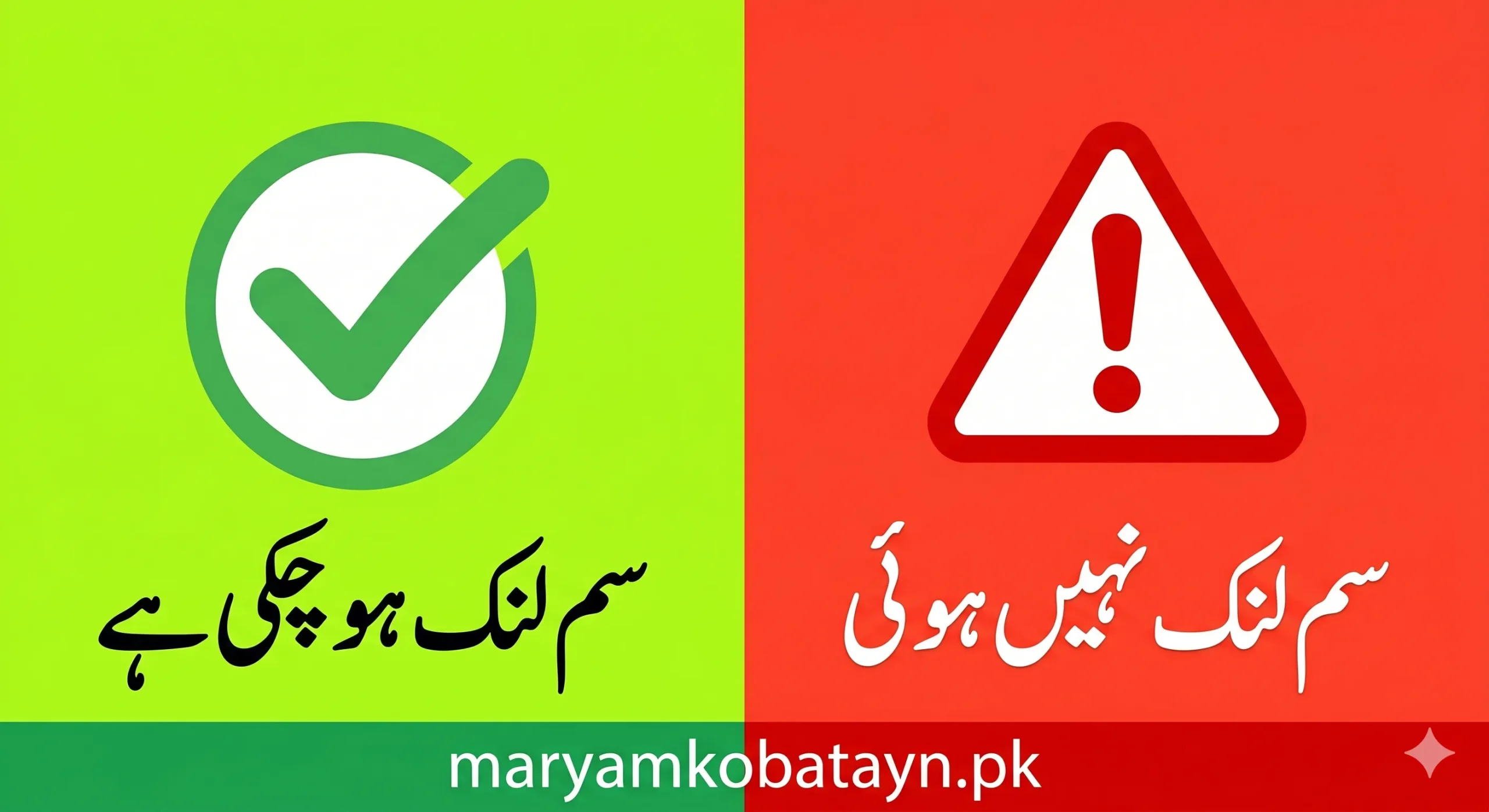
Depending on your status, you will see one of two primary messages regarding your wallet:
| Portal Message (Urdu) | Meaning | Action Required |
| سم جاری ہو چکی ہے | Your SIM is successfully linked to your BISP account. | No action needed. Wait for payment SMS. |
| والٹ سم کے اجرا کےلیے اہل ہیں | You are eligible, but the SIM/Wallet is NOT yet linked. | Visit the nearest BISP office immediately. |
Common Errors: Wrong Mobile Number Linkage
A significant number of beneficiaries are reporting that while the portal says “SIM Issued,” they are not receiving any SMS notifications. This usually happens because of a wrong wallet number entry.
If your CNIC is linked to a mobile number that you do not possess or that was typed incorrectly by the data entry operator, your money is at risk.
How to verify your Wallet Number:
- Visit a BISP Tehsil Office and ask the representative to verify the “Registered Mobile Number” on your profile.
- Compare it with the SIM card you were given.
- If there is a discrepancy of even one digit, request a Data Correction Form.
What to Do if Your SIM is Not Linked?
If the 8171 portal shows you are “Eligible for Wallet SIM issuance” (والٹ سم کے اجرا کےلیے اہل ہیں), it means you are effectively stuck in the middle of the process. Follow these steps to resolve it:
1. Re-visit the BISP Tehsil Office
Take your original CNIC and the SIM card you received. Inform the officer that your 8171 status shows the wallet is not yet issued. They will need to perform a biometric verification to link the SIM officially.
2. Biometric Verification
Ensure your fingerprints are clear. If you face biometric failure, you may need to visit NADRA to update your fingerprints before the BISP office can link your SIM.
3. Activation SMS
Once the linking is successful, you will receive an SMS from 8171. Do not trust any message regarding BISP that comes from a personal 11-digit mobile number.
Safety Tips for BISP Beneficiaries
The digital system is safer, but scammers are always looking for opportunities. Protect your Kafaalat payment by following these rules:
- Never Share Your PIN: Your mobile wallet PIN is like your house key. Never tell it to the retailer or even a BISP official.
- 8171 is the Only Source: All official communication regarding your money will come ONLY from the number 8171.
- Check for Deductions: When withdrawing money, always ask for a printed receipt. If the retailer deducts money (e.g., 500 or 1000 rupees), report them to the BISP helpline immediately.
The Impact of the New “Digital Wallet” on Kafaalat Payments
The Benazir Income Support Program is not just about giving money; it’s about financial inclusion. By giving women their own SIM cards and mobile wallets, the program is:
- Empowering Women: Giving them direct control over their finances.
- Reducing Corruption: Eliminating the “fee” charged by illegal agents at campsites.
- Transparency: Every rupee is tracked digitally from the Treasury to the Beneficiary.
Frequently Asked Questions (FAQs)
Q1: Can I link my old SIM card to BISP?
Usually, BISP provides a specific SIM (often through providers like Jazz or Telenor) that is pre-configured for the BISP wallet. It is highly recommended to use the SIM provided by the BISP office for the Kafaalat program.
Q2: What if the 8171 portal says “Record Not Found”?
This means you are either not registered in the NSER (National Socio-Economic Registry) survey or your data has not been uploaded yet. You should visit the nearest registration center to get surveyed.
Q3: How long does it take for the SIM to link?
Once the biometric is done at the office, the portal usually updates within 24 to 48 hours. If it doesn’t update after a week, there might be a technical glitch.
Conclusion
The Benazir Income Support Program is a lifeline for millions, and the new SIM-based wallet system is a step toward a modern Pakistan. However, a small error in linking your SIM can lead to big headaches.
Check your status on the 8171 portal today. If you see the message “Eligible for Wallet SIM issuance,” don’t wait—head to your nearest BISP office and get your number corrected. Ensuring your phone number is accurately linked is the only way to guarantee that your next payment arrives safely in your hand.
For more updates on BISP and government schemes, stay tuned to maryamkobatayn.pk.