
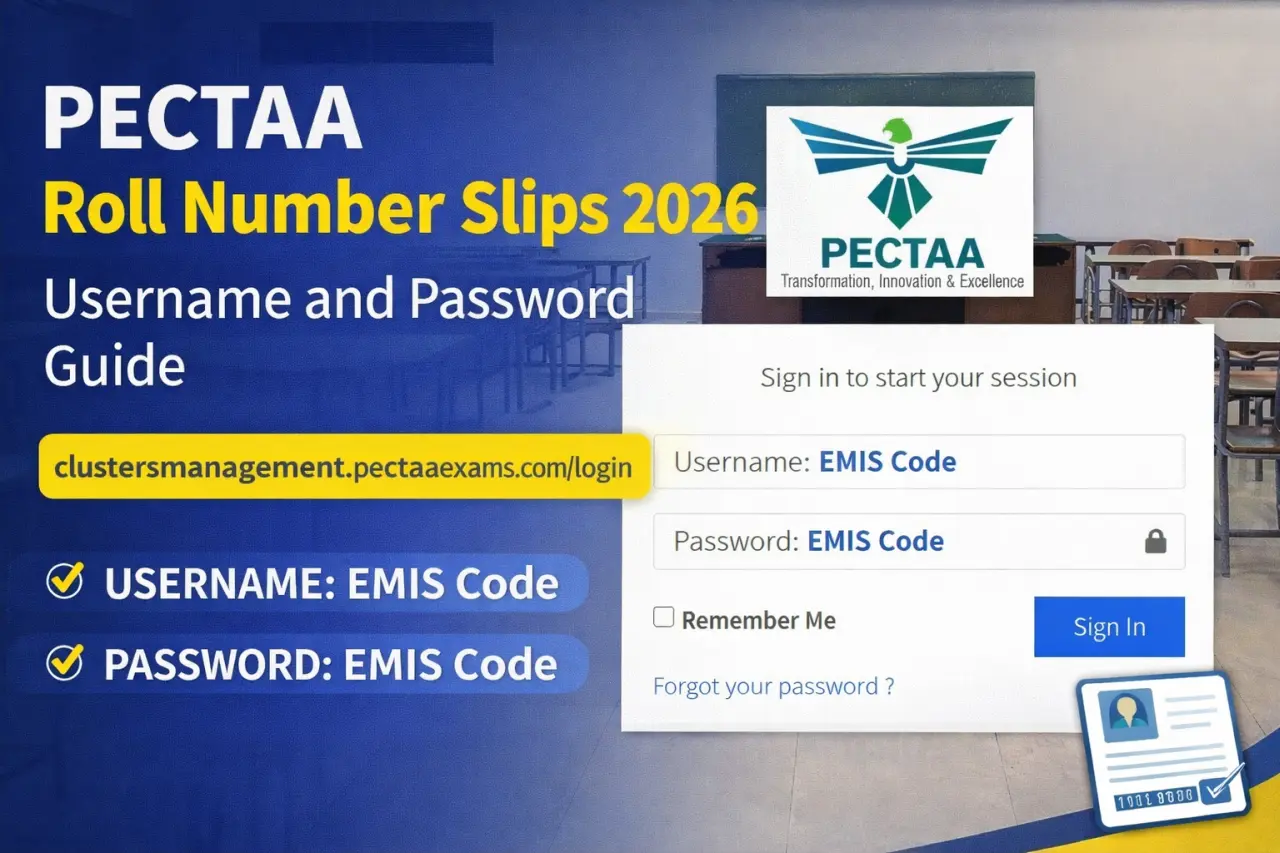
clustersmanagement.pectaaexams.com login Username and Password Guide 2026
f you are looking for a simple and clear guide about clustersmanagement.pectaaexams.com login, this article will help you step by step. Many schools and teachers are trying to access the PECTAA Exams Centers Portal to download PECTAA Roll Number Slips 2026. If Emis code not working then try Emis code of Cluster Center.
In this guide, you will learn:
- What is the Clusters Management Portal?
- How to login using EMIS Code
- How to download PECTAA Roll Number Slips 2026
- Common login problems and solutions
clustersmanagement.pectaaexams.com login
What is clustersmanagement.pectaaexams.com?
The website clustersmanagement.pectaaexams.com is the official portal of PECTAA Exams Centers. It is used by schools and exam centers to:
- Manage exam clusters
- Download roll number slips
- Check exam center details
- Update student information
This portal is mainly used for Grade 8 Annual Examination 2026 and other PECTAA assessments.
PECTAA Login Page Overview (2026)
From the screenshot of the login page, you can see:
- Username or Email field
- Password field
- Remember Me option
- Sign In button
- Forgot Password option
The portal is simple and easy to use for schools.
clustersmanagement.pectaaexams.com Login Details 2026
For 2026 exams, the login credentials are:
- Username: EMIS Code
- Password: EMIS Code
👉 This means your school’s EMIS Code will be used as both username and password.
Example:
If your EMIS Code is 123456, then:
- Username: 123456
- Password: 123456
⚠ Make sure you enter the correct EMIS Code without spaces.
Step-by-Step Login Guide
Follow these simple steps:
Step 1: Open the Portal
Go to the official website:
clustersmanagement.pectaaexams.com
Step 2: Enter Username
In the Username field, enter your School EMIS Code.
Step 3: Enter Password
In the Password field, enter the same EMIS Code.
Step 4: Click Sign In
Click on the blue Sign In button.
Step 5: Access Dashboard
After successful login, you will see your school dashboard where you can:
- View exam cluster details
- Download PECTAA Roll Number Slips 2026
- Print student slips
How to Download PECTAA Roll Number Slips 2026
Once logged in:
- Go to the Roll Number Slip Section
- Select your Class / Grade
- Click on Download Slip
- Save the PDF file
- Print for students
Make sure all student data is correct before printing.
Common Login Problems and Solutions
1. Wrong EMIS Code
If login fails, check:
- EMIS Code is correct
- No extra space before or after
2. Portal Not Opening
- Try refreshing the page
- Use updated browser (Chrome recommended)
- Check internet connection
3. Forgot Password Option
If the password has been changed, use the Forgot your password? option to reset.
Important Instructions for Schools (2026)
- Do not share your EMIS Code with unauthorized persons
- Download roll number slips before the deadline
- Check student names and subjects carefully
- Print clear copies for exam use
Why PECTAA Roll Number Slips 2026 Are Important
Roll number slips are required for:
- Student entry into examination center
- Verification of student identity
- Subject and paper confirmation
- Center allocation details
Without a roll number slip, students may face problems on exam day.
Final Words
The clustersmanagement.pectaaexams.com login 2026 process is very simple. Just use your EMIS Code as Username and Password to access the portal.
Through this system, schools can easily download PECTAA Roll Number Slips 2026 and manage exam center details without any difficulty.
If you follow the steps explained above, you will not face any problem while logging into the PECTAA Clusters Management Portal.







Me apni parhari me best nhi but me apni puri koshish kroonga board me achay numbers leny ki Meri “Maa” Jo is wkt hospitalized hn unki khoahish hy k me board k papers me top kroon.Mujhe sirf umeed hy apny pr ise zyada kuch nhi. Roll no: 77-225-381.😒😞
Best of luck